
Juniper SRX Firewall: Zones, Policies, NAT and VPN Explained
Juniper SRX firewalls protect branch offices, campuses and data centers. They combine routing, stateful firewalling, NAT, VPN and threat protection on Junos, so engineers who already know Junos can move into security quickly.
Because SRX is common in ISPs and multi-vendor enterprises, SRX skills add real value to a network security CV.
Who should learn Juniper Firewall (SRX)?
- Engineers who know Junos basics and want security
- Network security engineers adding a second firewall vendor
- Engineers working in ISPs or enterprises that use SRX
- Students targeting the JNCIS-SEC level
What you will learn
- Security zones and interfaces
- Security policies: match conditions, applications, scheduling and logging
- Source, destination and static NAT, proxy ARP
- UTM, antivirus, web filtering and IPS
- IPsec site-to-site VPN and IKE
- High availability with chassis cluster
JNCIS-SEC exam at a glance
| Exam code | JN0-336 (JNCIS-SEC, Security Specialist) |
|---|---|
| Exam fee | US$300 |
| Prerequisite | JNCIA-SEC (associate security exam) |
| Duration | 90 minutes |
| Questions | 65 multiple-choice questions |
| Language | English |
| Validity | 3 years |
Main exam topic areas
- Intrusion Detection and Prevention (IDP)
- IPsec VPN, including Juniper Secure Connect
- Juniper Advanced Threat Prevention (ATP) Cloud
- High availability (chassis cluster)
- Other SRX security services listed in Juniper's exam objectives
Juniper publishes the exam objectives but not a percentage weight for each one, so give every objective real study time. Zones, policies, NAT and UTM basics are tested at the associate (JNCIA-SEC) level, which our course also covers.
Career paths
Juniper Firewall (SRX) skills are useful for roles such as:
- Network security engineer
- Firewall engineer
- Security operations engineer
- Network implementation engineer
SRX pairs well with Juniper routing, or with another firewall vendor such as FortiGate or Palo Alto.
How to prepare
- Make sure your basics are solid. IP addressing, subnetting and routing fundamentals come up in every topic.
- Learn one topic at a time and lab it the same day. Configuration you have typed yourself stays with you far longer than notes.
- Break things on purpose. When a lab works, change one setting, watch it fail and fix it. This builds real troubleshooting skill.
- Keep your own notes and configs. A personal command reference is invaluable in interviews and on the job.
How GITN teaches Juniper Firewall (SRX)
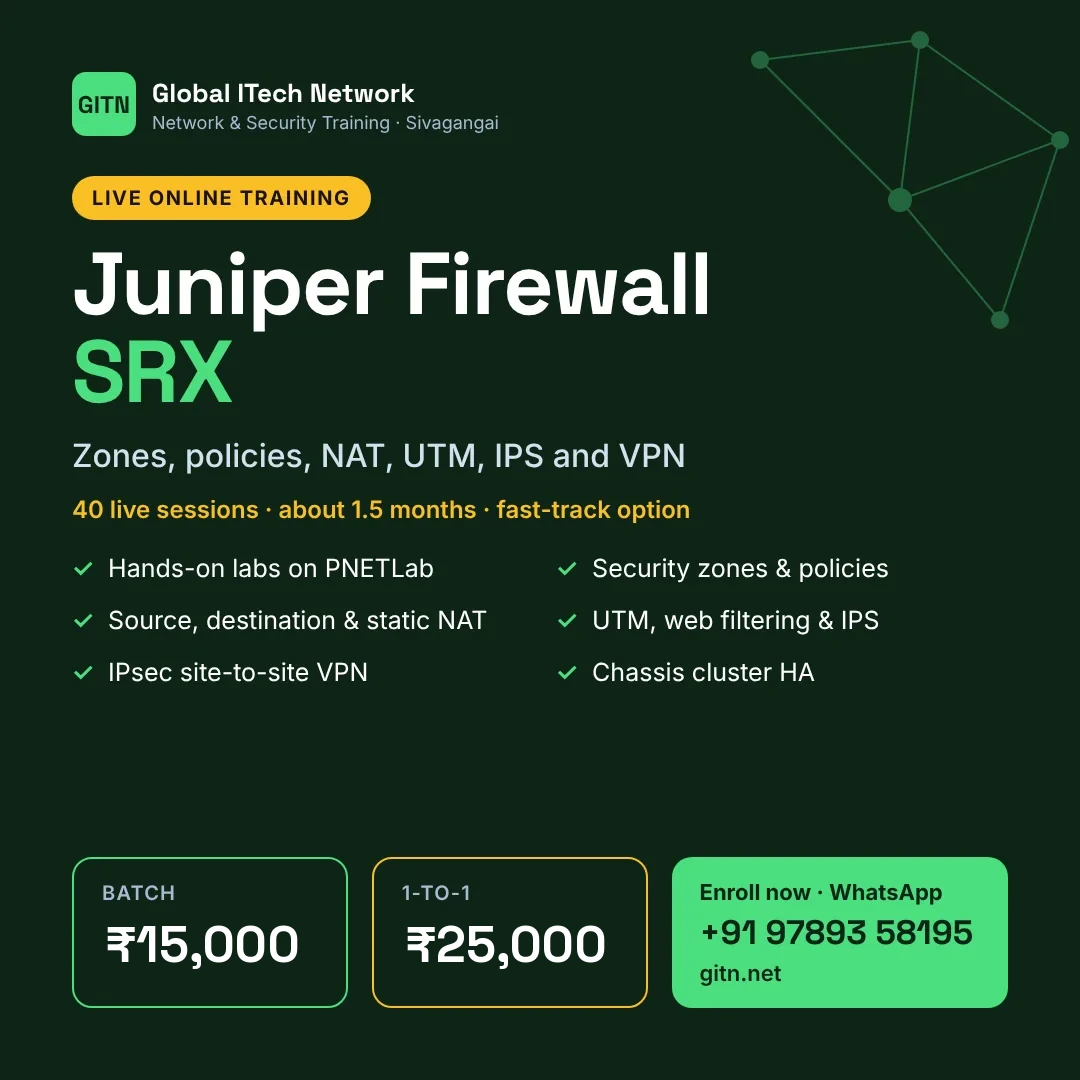
At Global ITech Network, Juniper Firewall (SRX) is taught in live online classes by a working network security engineer, with every topic practised on PNETLab.
- 40 one-hour live sessions, about 1.5 months (fast-track: 6 sessions a week)
- Hands-on labs on PNETLab for every module
- Batch training at ₹15,000 or personal 1-to-1 training at ₹25,000
Frequently asked questions
Do I need Juniper routing first?
Basic Junos knowledge helps. Engineers with CCNA-level networking can start, but should spend extra time on Junos basics.
Is SRX only a firewall?
SRX is also a full router, so routing, NAT, VPN and security policy all live on one device.
How long is the course at GITN?
40 one-hour live sessions, planned over about 1.5 months at one hour a day. A fast-track plan with 6 sessions a week is also available.
Start Juniper Firewall (SRX) with GITN
Live online classes, hands-on labs and guidance from a working engineer. Message us for the next batch date.
Message on WhatsAppView syllabus and feesCourse details are taken from GITN's Juniper Firewall (SRX) syllabus page. Exam details were checked in November 2026 against vendor and training-provider sources. Vendors change fees, exam codes and versions often, so always confirm on the vendor's website before booking.