
MikroTik RouterOS: A Practical Guide for ISPs and Small Networks
MikroTik routers are affordable and powerful, which makes them very popular with local ISPs, cable and broadband operators, hotels, colleges and small businesses.
If you work with broadband customers, PPPoE, bandwidth control or small office networks, RouterOS skills are directly useful from day one.
Who should learn MikroTik RouterOS?
- Engineers at local ISPs and broadband operators
- Freelancers who set up office and hostel networks
- CCNA engineers who want a practical second platform
- Students targeting the MTCNA level
What you will learn
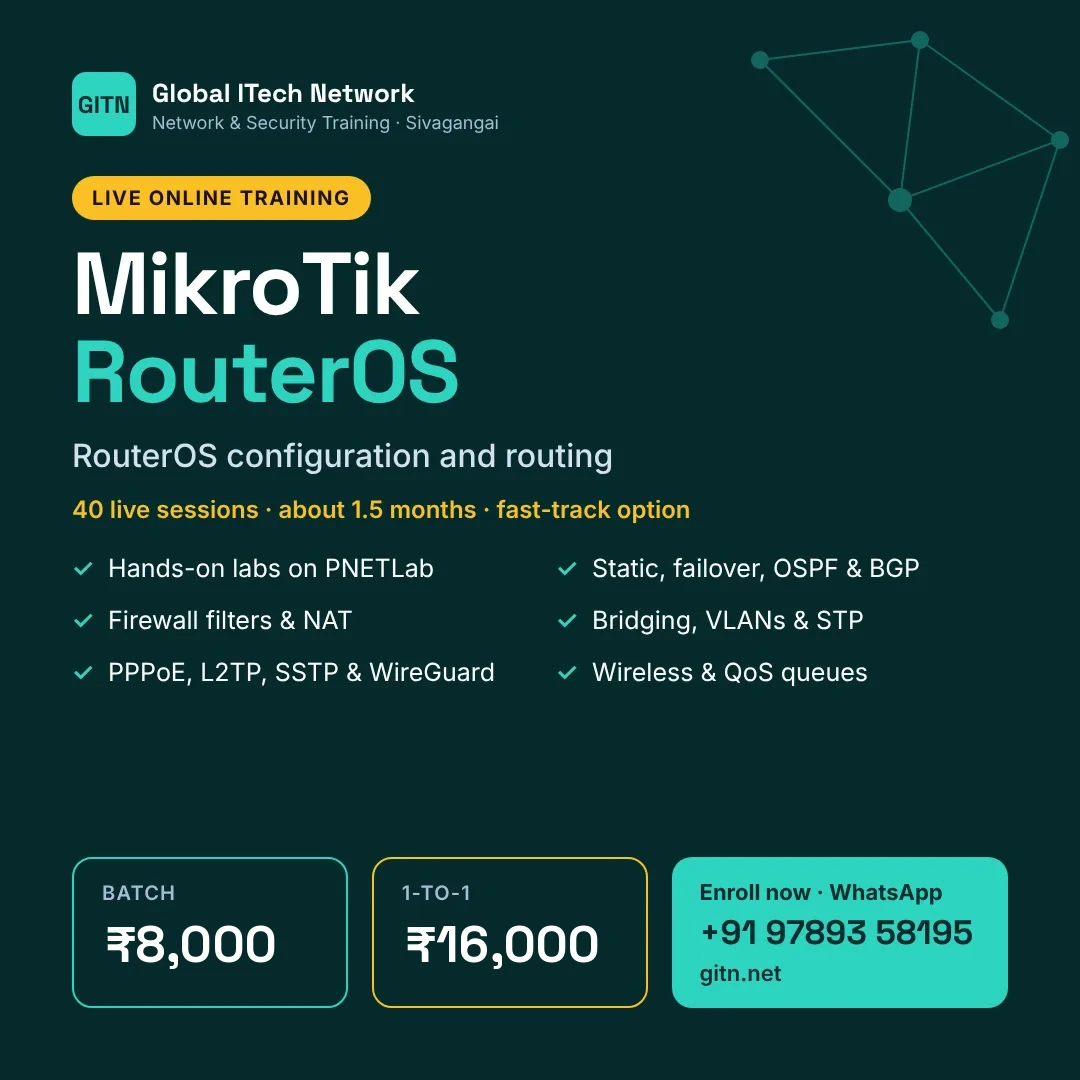
- Routing: static, default routes, failover, OSPF and BGP basics
- Firewall filter rules, NAT and connection tracking
- Bridging, VLANs and spanning tree
- Tunnels and VPN: PPPoE, L2TP/IPsec, SSTP and WireGuard
- Wireless: AP and station modes and security
- QoS: simple queues, queue trees and PCQ
MikroTik MTCNA exam at a glance
| Certification | MTCNA (MikroTik Certified Network Associate) |
|---|---|
| Where to write | Online, at the end of an official MikroTik training course run by a MikroTik-certified trainer |
| Questions | 25 questions |
| Duration | 60 minutes |
| Passing score | 60% |
| Exam fee | Usually included in the official training course fee, which each training centre sets |
| Validity | 3 years |
Main exam topic areas
- RouterOS introduction and initial setup
- DHCP, bridging and VLANs
- Routing
- Wireless
- Firewall and NAT
- QoS
- Tunnels and VPN
- Tools and troubleshooting
This is a short summary. See the vendor's official exam guide for the full list of objectives.
Unlike Cisco or Juniper, you cannot simply book an MTCNA exam. You attend an official MikroTik course and take the online test at the end. Our course builds the RouterOS skills you need before that.
Career paths
MikroTik RouterOS skills are useful for roles such as:
- ISP network engineer
- Broadband / PPPoE support engineer
- Network implementation engineer
- Freelance network installer
MikroTik combined with CCNA and a firewall such as FortiGate covers most small and mid-size network jobs.
How to prepare
- Make sure your basics are solid. IP addressing, subnetting and routing fundamentals come up in every topic.
- Learn one topic at a time and lab it the same day. Configuration you have typed yourself stays with you far longer than notes.
- Break things on purpose. When a lab works, change one setting, watch it fail and fix it. This builds real troubleshooting skill.
- Keep your own notes and configs. A personal command reference is invaluable in interviews and on the job.
How GITN teaches MikroTik RouterOS
At Global ITech Network, MikroTik RouterOS is taught in live online classes by a working network security engineer, with every topic practised on PNETLab.
- 40 one-hour live sessions, about 1.5 months (fast-track: 6 sessions a week)
- Hands-on labs on PNETLab for every module
- Batch training at ₹8,000 or personal 1-to-1 training at ₹16,000
Frequently asked questions
Is MikroTik used in big companies?
It is most common in ISPs and small to mid-size networks, where it delivers a lot of features at low cost.
Can I practise without a MikroTik router?
Yes. RouterOS CHR runs as a virtual machine in a lab.
How long is the course at GITN?
40 one-hour live sessions, planned over about 1.5 months at one hour a day. A fast-track plan with 6 sessions a week is also available.
Start MikroTik RouterOS with GITN
Live online classes, hands-on labs and guidance from a working engineer. Message us for the next batch date.
Message on WhatsAppView syllabus and feesCourse details are taken from GITN's MikroTik RouterOS syllabus page. Exam details were checked in November 2026 against vendor and training-provider sources. Vendors change fees, exam codes and versions often, so always confirm on the vendor's website before booking.